Create It Once, Use It Again: The Power of a Master Template
If you create ebooks, guides, checklists or other digital products, one of the easiest ways to save time is to stop rebuilding the same pages from scratch.
That is exactly what a master template does.
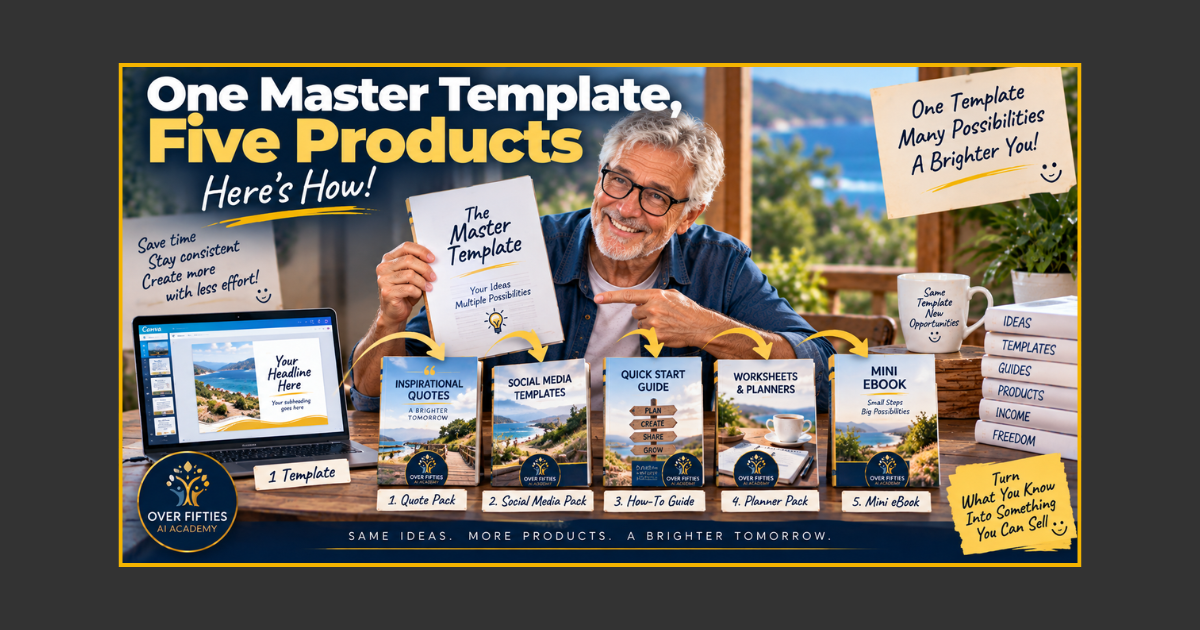
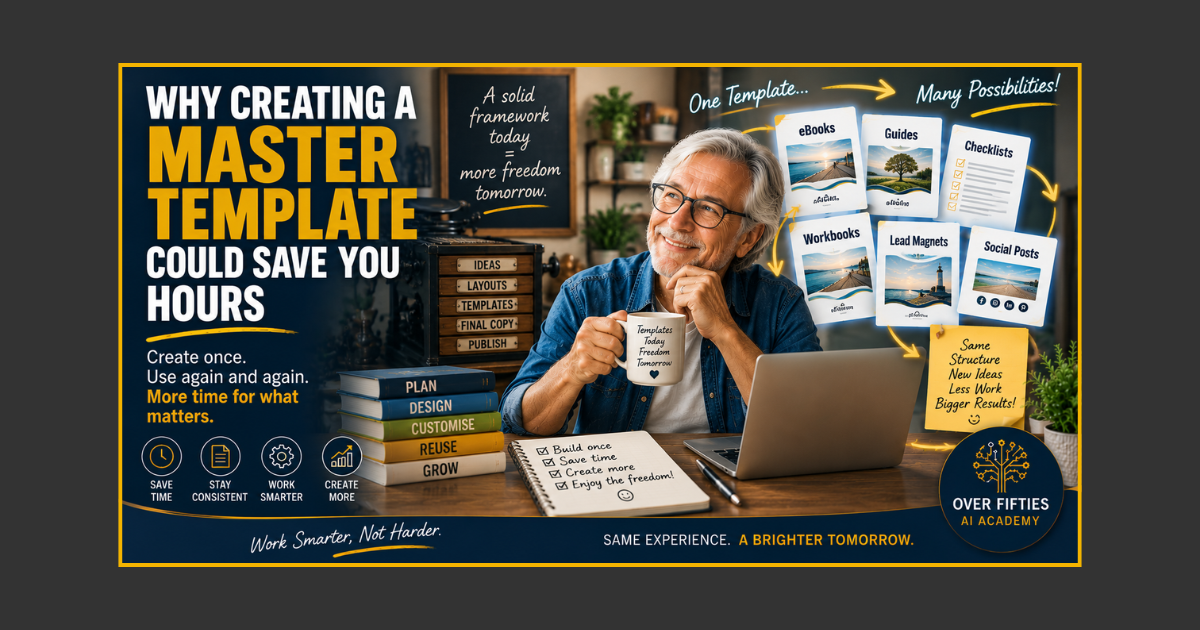
A master template is your reusable framework: the page sizes, fonts, colours, headings, layouts, callout boxes, checklists, resource pages and other design elements you use repeatedly. Build them once, keep the original safe, then duplicate the template whenever you start a new product.
For anybody from a printing or publishing background, the idea is wonderfully familiar. We may have changed from composing pages with physical type and furniture to arranging them on a screen, but the principle has barely changed: set up the framework properly before the job begins.
What Is a Master Template?
Think of it as the clean master copy of your product design.
Instead of opening Canva and staring at a blank A4 page every time, your master template can already contain:
- Cover layouts
- Chapter opening pages
- Standard text pages
- Two-column layouts
- Quote and callout panels
- Checklist pages
- Step-by-step process pages
- AI prompt panels
- Resource pages
- Calls to action and back covers
You duplicate the master, rename the copy and remove the layouts you do not need.
The master stays untouched, ready for the next job.
Aha! moment: A master template is not the finished product. It is the reusable production system behind the finished product.
The Old Print-Shop Principle Still Works
Long before Canva, publishing relied on repeatable systems.
A magazine did not reinvent its page size, columns, folios and typography every issue. Printers and designers created standards because consistency saved time and reduced mistakes.
Digital publishing works the same way.
If every ebook begins with a blank page, you repeatedly make decisions you have already made: Which font? Which heading size? Where does the page number go? What does a checklist look like? How much space sits around a callout?
A master template makes those decisions once.
Where the Time Savings Come From
1. No More Blank-Page Decisions
You begin with proven layouts instead of designing while trying to write.
2. Your Branding Stays Consistent
Colours, fonts and recurring elements are already in place, making separate products look like they belong to the same family.
3. Repeated Pages Become Fast
Need another chapter opener? Duplicate it. Need six prompt pages? Duplicate the prompt layout six times.
4. Mistakes Become Easier to Avoid
Once margins, footer positions and standard elements are correct in the master, you are less likely to introduce a new variation every time you create a page.
5. Your Next Product Starts Half-Built
The content may be new, but much of the production framework already exists.
A Simple Seven-Step Master Template Workflow
- Duplicate your master template. Never build directly in the original.
- Rename the copy. Give the new product a clear working name.
- Delete layouts you do not need. Keep only the page types that suit the project.
- Duplicate layouts you will reuse. Create the number of chapter, text or checklist pages required.
- Replace placeholder text. Add your new headings and content.
- Add your images and graphics. Keep the established visual style.
- Check and export the finished product. Proofread, test links and inspect the PDF before publishing.
That is a workflow—not because we needed a fancy new word, but because the steps happen in a sensible repeatable order.
Separate Writing From Design
One of the hidden benefits of a master template is that it lets you concentrate on one type of work at a time.
Write and organise the content first. Then place it into layouts that already exist.
Trying to write, choose fonts, resize boxes, search for images and design each page simultaneously can turn a simple ebook into a three-day wrestling match with Canva.
A template reduces the number of decisions competing for your attention.
This is particularly useful when creating your first ebook. Your First Ebook Doesn't Need to Be 100 Pages explains why a focused structure beats unnecessary length.
What Should Go Into Your First Master Template?
Do not try to predict every page you might ever need. Start with the layouts you use most often:
- Cover
- Welcome or introduction page
- Contents page
- Chapter opener
- Standard text-and-image page
- Checklist or action page
- Quote or important-point panel
- Resources page
- Call-to-action page
- Back cover
Add specialist layouts later when a real project requires them.
Quick tip: Keep placeholders obvious. “CHAPTER TITLE HERE” is much safer than leaving realistic sample copy in a master and accidentally publishing it in the next product.
AI Can Help With the Content—The Template Handles the Production
AI and master templates solve different problems.
AI can help organise ideas, create outlines, improve explanations and turn processes into checklists. The master template gives that content a consistent home.
Together they create a practical production system:
Idea → Outline → Draft → Edit → Drop Into Template → Proof → Export.
This is the sort of repeatable process discussed in Build Your First AI-Powered Weekly Workflow in Under 30 Minutes. The tools change, but the principle is the same: stop rebuilding repeatable work.
Templates Also Make Product Families Easier
Once you have a reliable framework, creating a series becomes much simpler.
Your next ebook can share the same chapter style, callout panels, typography and footer. Readers see consistency. You spend less time fiddling with design.
That matters if you eventually want to create several products from the same body of knowledge. Turning what you know into a digital product is much easier when the second product does not require rebuilding the entire production system.
Want a Ready-Made Roadmap?
If you would like help creating and using a reusable framework, the Over Fifties Digital Product Starter Kit™ includes beginner-friendly guides covering master templates, Canva templates, ebooks and the wider digital-product process.
The aim is not to turn you into a graphic designer. It is to help you build a simple system you can reuse.
Once the framework is working, you can spend more time on the part that actually matters: the knowledge and ideas you are putting into it.
One More Reason to Build the Template First
A reusable template gives you something valuable that is easy to overlook: confidence.
Instead of facing a completely new production problem every time, you are starting from familiar ground. You know where the headings go. You know how the checklist works. You know the footer has already been tested.
That is exactly why small repeatable systems are so effective. Small habits and repeatable workflows often beat heroic bursts of effort.
Final Thoughts
A master template is not glamorous. It will not generate breathless headlines about the future of artificial intelligence.
It will simply save you from doing the same work over and over again—which is much more useful.
Build the framework once. Protect the original. Duplicate it for each new job. Improve the master when you discover a genuinely better way.
Good production has always relied on repeatable systems. We just swapped the composing stone for a computer screen.
Keywords: Canva templates, master template, digital product templates, ebook template, Canva ebook, create digital products
.png?width=1024&height=1024&name=Over%20Fifties%20AI%20Academy%20Logo%20(trans).png)